Celestial Client
A Minecraft client written from scratch in C++. It loads fast, keeps a steady frame rate, and runs every mod in a sandbox.
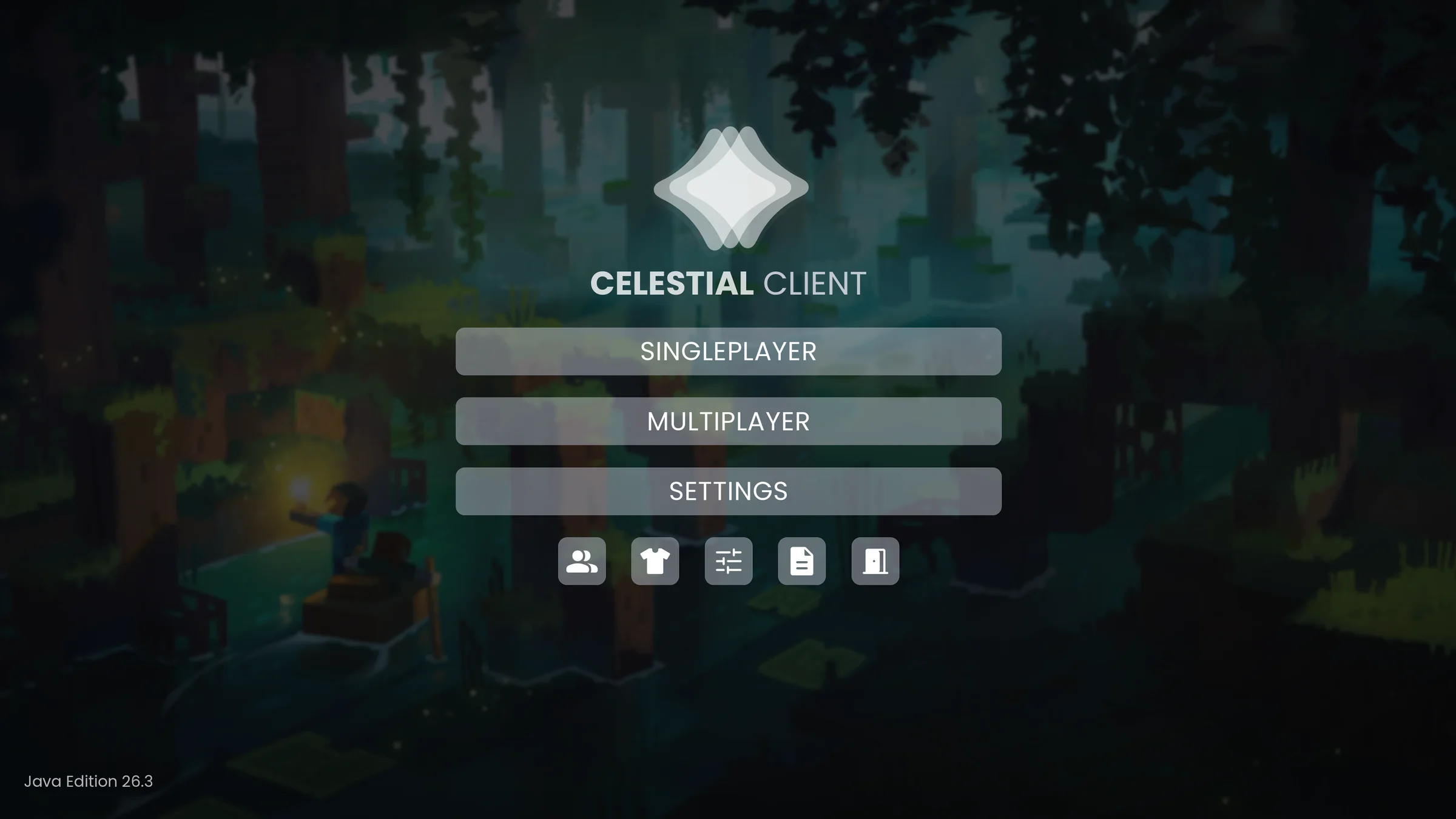
- Built from scratch.
- A new engine in C++ with a Vulkan renderer. It starts fast and holds a steady frame rate on integrated graphics and high-end cards alike.
- Your game as it is.
- Always the newest Java Edition. Your worlds, servers, resource packs and shader packs work unchanged.
- Mods in a sandbox.
- Write them in Lua, C or C++. Each one runs in its own sandbox and only gets what it asks for.
Every feature in one place
Zoom, fullbright, a HUD you can rearrange, cosmetics and more live in one Features screen. They're all off until you turn them on, and none of them change how the game plays.
- Search every feature and setting
- Move and resize the HUD in an editor
- A Fancy style or the vanilla look, your choice

Make a mod
Install the CLight SDK, then three commands take you from an empty folder to a file you can publish here.
clight new lua my_modStart a project from a templateclight runLaunch the game with your mod. Saving a Lua file reloads itclight build --releaseCheck it and pack my_mod-1.0.0.clmod
scripts/main.lua
-- When a player joins, give them a ruby and say hello.
cl.on("player.join", function(event)
  local player = event.player

  player:give("my_mod:ruby")
  player:send_message("Welcome, " .. player.name .. "!")
end)
Celestial Client Windows today. macOS and Linux are coming.
Download